 91a5163aab
This PR implements a complete Audio Processing Unit (APU) for the NES emulator, bringing authentic 8-bit audio to the project.

- Complete APU implementation with all 5 audio channels (Square 1, Square 2, Triangle, Noise, DMC)
- Hardware-accurate audio mixing using authentic NES mixer formulas
- Audio filtering pipeline replicating NES hardware (90Hz HP, 440Hz HP, 14kHz LP filters)
- Frame counter and IRQ support for proper timing and interrupt handling
- Sweep units for pitch bend effects on square wave channels
- Envelope generators for volume control and audio shaping

- Square Wave Channels (2x): Full duty cycle support (12.5%, 25%, 50%, 75%) with sweep units for frequency modulation
- Triangle Wave Channel: Linear counter and length counter for authentic triangle wave generation
- Noise Channel: Linear Feedback Shift Register (LFSR) with 15-bit and 6-bit modes
- DMC Channel: Delta Modulation Channel with memory request handling for sample playback

- Authentic NES mixer formulas: Hardware-accurate channel mixing with proper coefficients
- Hardware audio filters: 3-stage filter chain (90Hz HP → 440Hz HP → 14kHz LP) for authentic sound reproduction
- Sample rate conversion: Proper 44.1kHz audio generation from 1.79MHz CPU timing
- Volume balancing: Adjusted noise channel levels for proper audio balance

- Frame counter: 240Hz frame counter with 4-step and 5-step modes
- IRQ support: Frame counter interrupts for proper audio timing
- Length counters: Automatic note cutoff for all channels
- Envelope control: ADSR-style volume envelopes for realistic sound shaping

```
pub struct Apu {
    square1: SquareWave,      // Square wave channel 1
    square2: SquareWave,      // Square wave channel 2
    triangle: TriangleWave,   // Triangle wave channel
    noise: NoiseChannel,      // Noise channel (LFSR)
    dmc: DmcChannel,          // Delta modulation channel
    audio_filters: NesAudioFilters, // Hardware filter chain
    // ... timing and control state
}
```

1. Channel generation: Each channel generates raw audio samples
2. Mixing: Channels combined using authentic NES mixer formulas
3. Filtering: Hardware-accurate filter chain applied
4. Output: 44.1kHz audio samples sent to host platform

Full implementation of NES APU registers ($4000-$4017):
- Channel control registers (duty, volume, frequency)
- Sweep unit configuration
- Length counter and envelope settings
- Status and frame counter control

- Reduced noise harshness: Noise channel volume properly balanced
- Smooth sample generation: Proper timing prevents audio artifacts
- Hardware-accurate filtering: Authentic frequency response matching real NES
- NTSC timing: Correct CPU frequency for proper audio speed

- nes/src/apu/ - Complete APU implementation
  - apu.rs - Main APU controller
  - square.rs - Square wave channels with sweep
  - triangle.rs - Triangle wave channel
  - noise.rs - Noise channel with LFSR
  - dmc.rs - Delta modulation channel
  - filters.rs - Hardware audio filters
- nes/src/nes.rs - APU integration and audio sample generation
- nes-sdl/src/sdl.rs - SDL audio output improvements

Tested with various NES ROMs including:
- Audio-heavy games for channel balance verification
- Test ROMs for timing accuracy validation
- Both NTSC timing confirmed working

🤖 Generated with https://claude.ai/code

Co-Authored-By: Claude noreply@anthropic.com
|
||
|---|---|---|
| common | ||
| mos6502 | ||
| nes | ||
| nes-android | ||
| nes-cloud | ||
| nes-embedded | ||
| nes-sdl | ||
| nes-wasm | ||
| profile | ||
| screenshots | ||
| test-roms | ||
| .gitignore | ||
| .gitmodules | ||
| .rustfmt.toml | ||
| benchmark.sh | ||
| Cargo.toml | ||
| CLAUDE.md | ||
| LICENSE | ||
| README.md | ||
🥔 Potatis
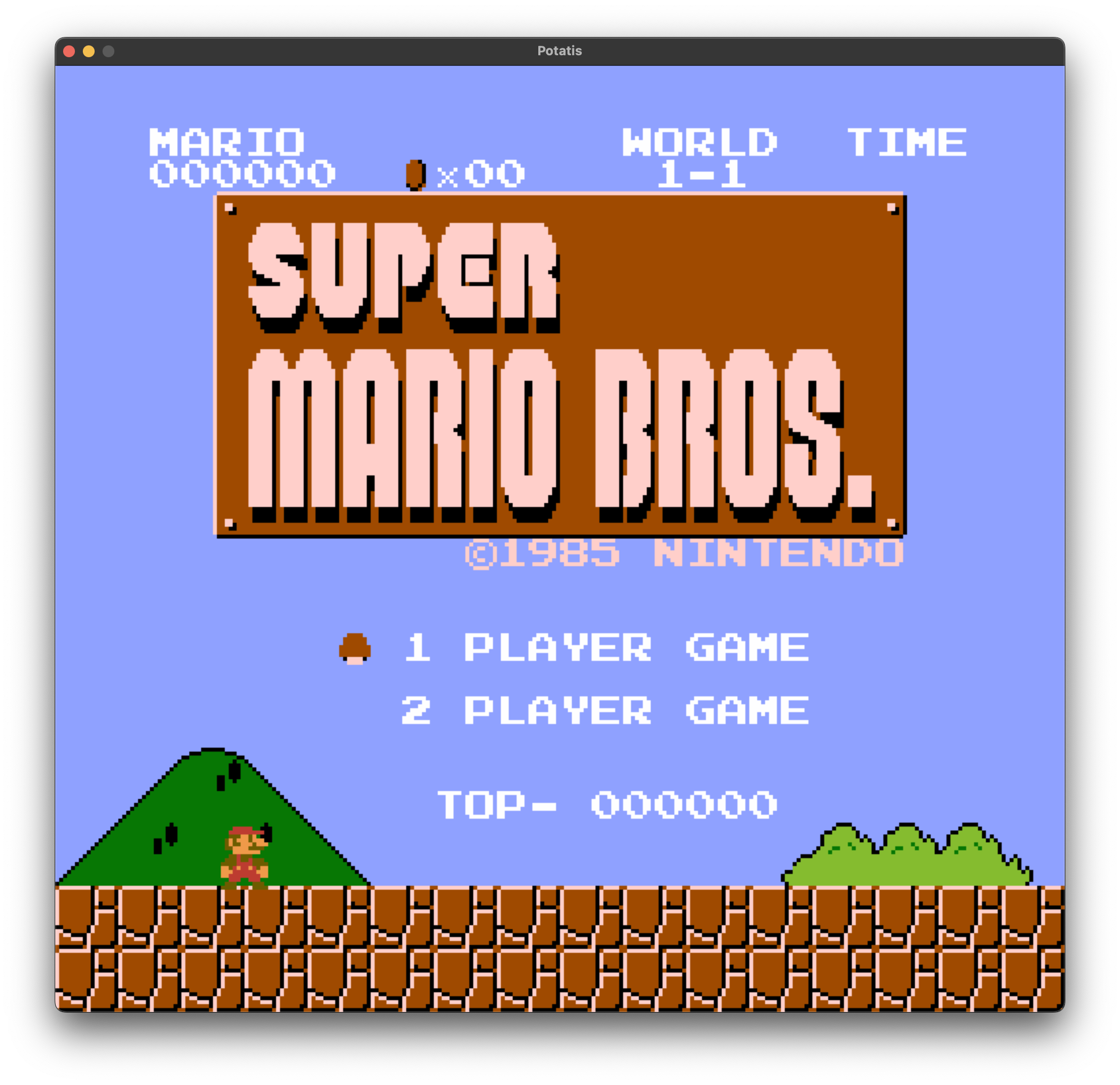
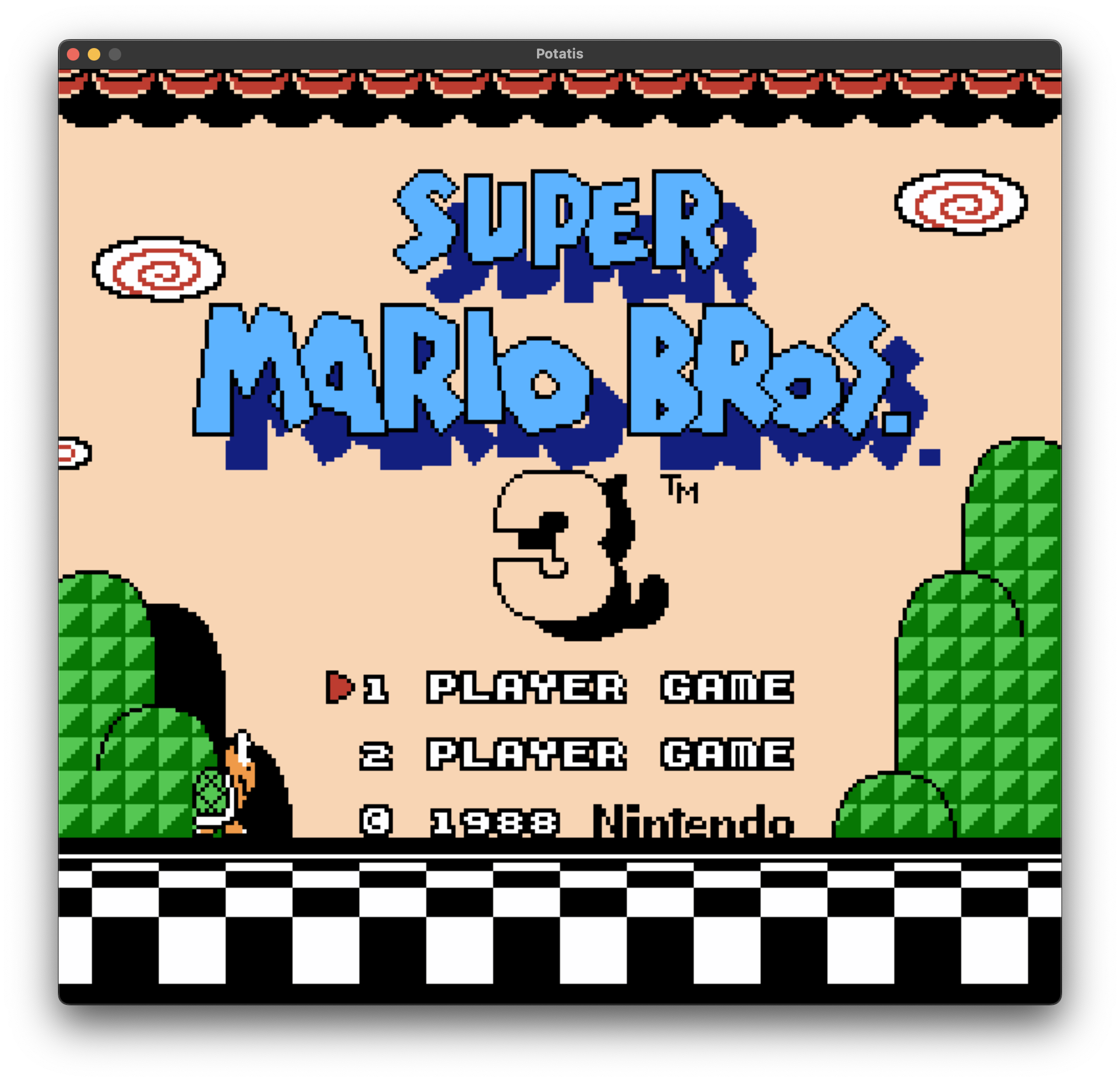
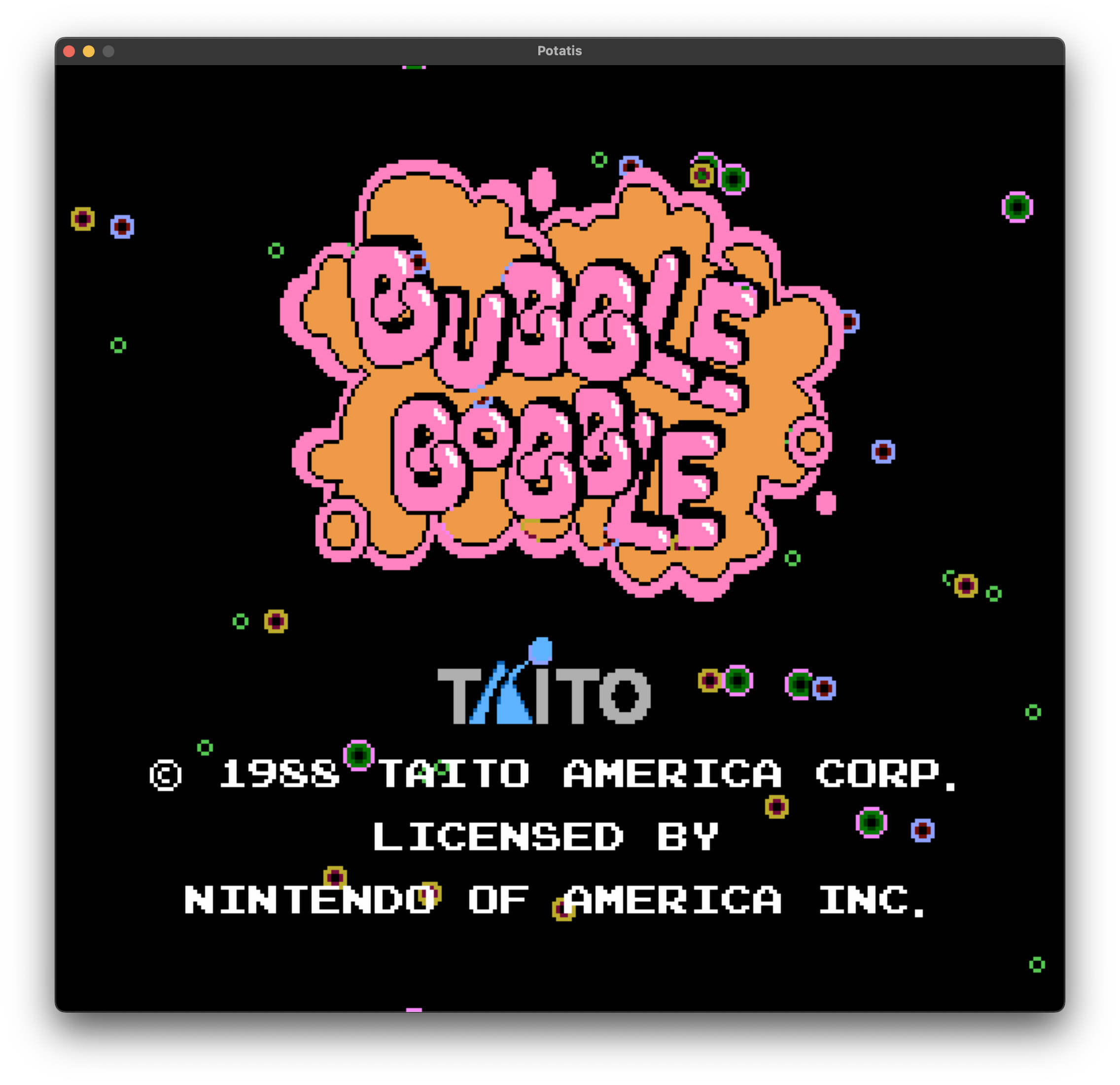
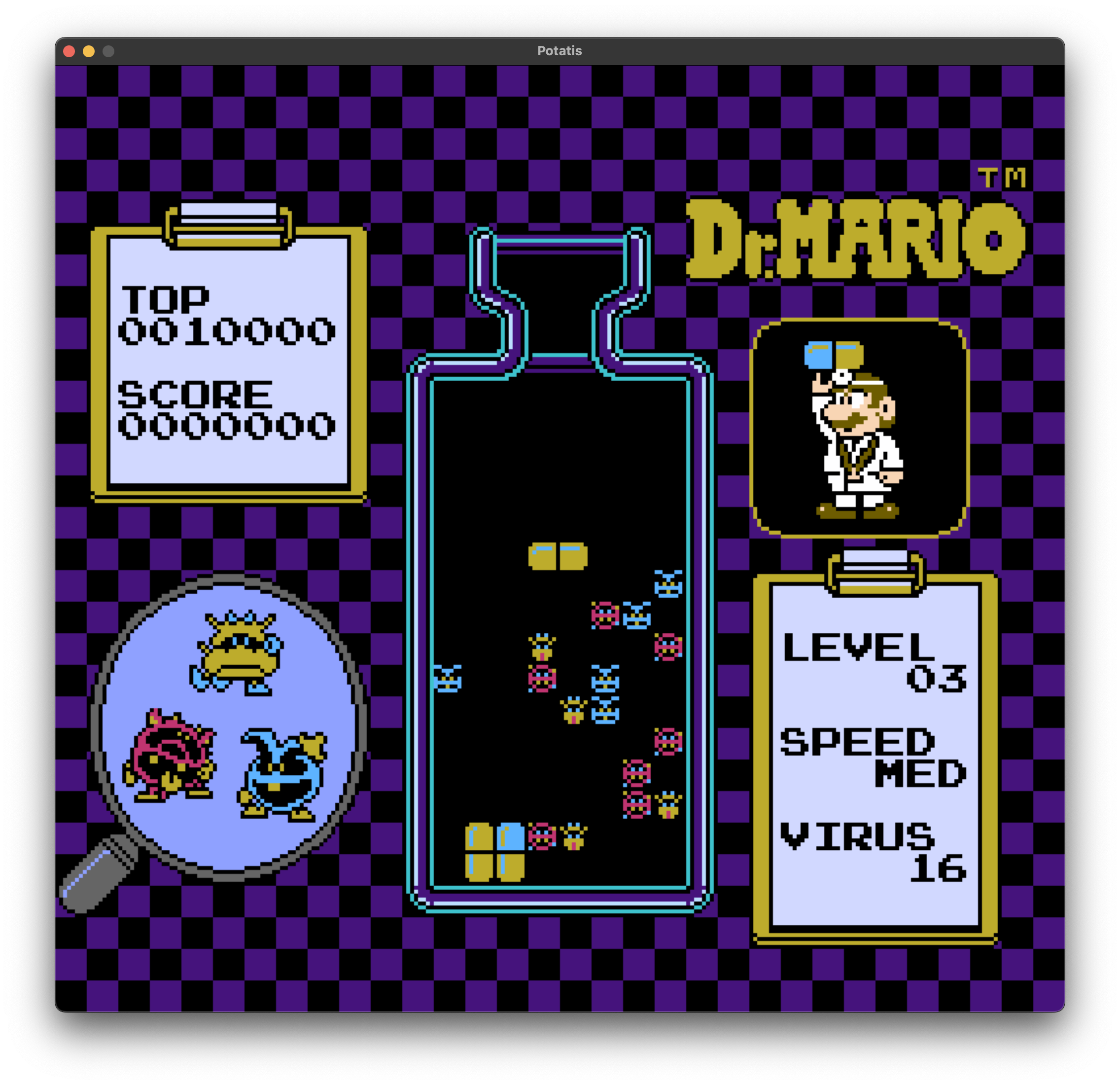
/mos6502- Generic CPU emulator. Passes all tests, including illegal ops. (No BCD mode)./nes- A very incomplete NES emulator./nes-sdl- Native target using SDL./nes-wasm- Browser target using WASM./nes-cloud- NES-as-a-service. Clientless cloud gaming with netcat and terminal rendering./nes-embedded- Embedded target for RP-2040 (Raspberry Pi Pico)./nes-android- Android target using JNI.
/mos6502
let load_base = 0x2000;
let mem = Memory::load(&program[..], load_base);
let cpu = Cpu::new(mem);
let mut machine = Mos6502::new(cpu);

loop {
  machine.tick()
  println!("{}", machine); // Prints nestest-like output
}
Debugging
let mut debugger = machine.debugger();
debugger.verbose(true); // Trace, dumps disassembled instructions to stdout
debugger.add_breakpoint(Breakpoint::Address(0x0666));
debugger.add_breakpoint(Breakpoint::Opcode("RTI"));
debugger.watch_memory_range(0x6004..=0x6104, |mem| {
  // Invoked when memory in range changes
});
/nes
Supported mappers:
- NROM (mapper 0)
- MMC1 (mapper 1)
- UxROM (mapper 2)
- CNROM (mapper 3)
- MMC3 (mapper 4)
impl nes::HostPlatform for MyHost {
  fn render(&mut self, frame: &RenderFrame) {
    // frame.pixels() == 256 * 240 * 3 RGB array
  }

  fn poll_events(&mut self, joypad: &mut Joypad) {
    // pump events and forward to joypad
  }
}


let cart = Cartridge::blow_dust("path/to/rom.nes")?;
let mut nes = Nes::insert(cart, MyHost::new());

loop {
  nes.tick();
  println!("{:?}", nes); // Complete nestest formatted output
}
/nes-sdl
cargo run --release path/to/rom.nes
cargo run -- --help for options
/nes-wasm
cd nes-wasmwasm-pack build --release --target webnpm installnpm run dev
Try it here: https://henrikpersson.github.io/nes/index.html
/nes-cloud
Cloud gaming is the next big thing. Obviously, Potatis needs to support it as well. No client needed, only a terminal and netcat.
Usage
stty -icanon && nc play-nes.org 4444
stty -icanon disables input buffering for your terminal, sending input directly to netcat. You can also connect without it but then you'd have to press ENTER after each key press.
Bring your own ROM
stty -icanon && cat zelda.nes - | nc play-nes.org 4444
Rendering
- Sixel (port 6666) is recommended if your terminal supports it. iTerm2 does.
- Unicode color (port 5555) works by using the unicode character ▀ "Upper half block",
U+2580to draw the screen. Since the lower part of the character is transparent, ANSI color codes can be used to simultaneously draw two horizontal lines by setting the block's foreground and background color. Unfortunately the resulting frame is still too large to fit in a normal terminal window, so when using this mode you have to decrease your terminal's font size a lot. - ASCII (port 7777). No color, no unicode, just ASCII by calculating luminance for each RGB pixel. Same here, you have to decrease your terminal's font size a lot to see the whole picture.
/nes-embedded
It also runs on a RP-Pico with only 264kB available RAM! Without any optimizations it started out at ~0.5 FPS. But after some overclocking, and offloading the display rendering to the second CPU core, it now runs at a steady 5 FPS.
Total heap usage, single-core: 135kB
Total heap usage, multi-core: 243kB (2x frame buffers)
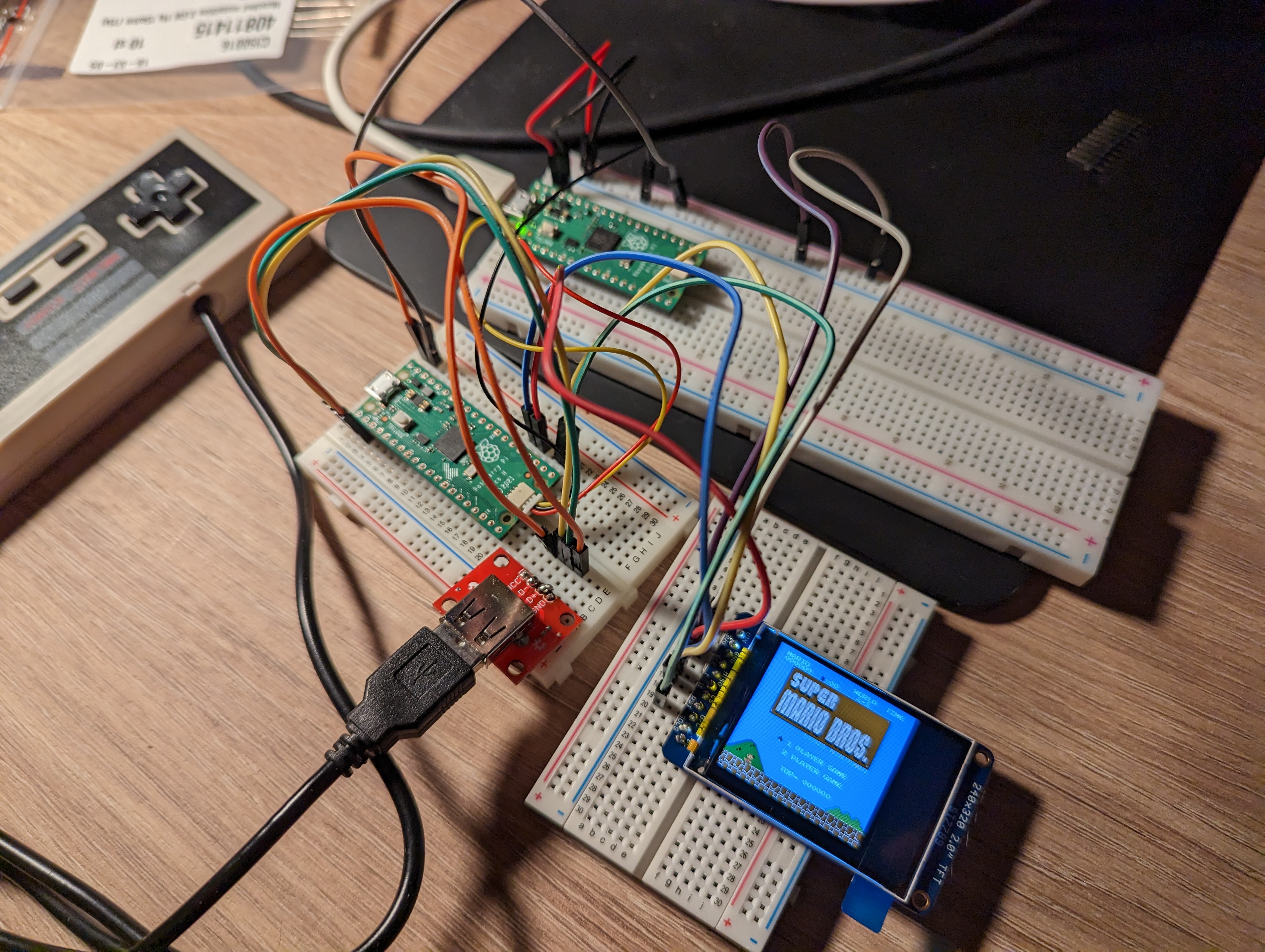
The second Pico on the picture is wired up as a SWD debugger/flasher. The display is a ST7789 by Adafruit.
cd nes-embedded
ROM=/path/to/rom.nes cargo run --release
If you don't have a debug-probe setup, change the runner in .cargo/config to use a normal elf2uf2.
/nes-android
- Download Android NDK and
rustup target add [target] - Configure your target(s) in
~/.cargo/configwith the linker(s) provided by the Android NDK
[target.aarch64-linux-android]
linker = "$NDK_PATH/toolchains/llvm/prebuilt/darwin-x86_64/bin/aarch64-linux-android33-clang"

[target.armv7-linux-androideabi]
linker = "$NDK_PATH/toolchains/llvm/prebuilt/darwin-x86_64/bin/armv7a-linux-androideabi30-clang"

[target.x86_64-linux-android]
linker = "$NDK_PATH/toolchains/llvm/prebuilt/darwin-x86_64/bin/x86_64-linux-android30-clang"
cd nes-android && ./install.sh release
Note: install.sh only targets arm64-v8a (aarch64-linux-android).
Test
Run all unit and integration tests (for all crates):
cargo test
TODO
- More mappers
- APU
Key mappings
Up, left, down, right: WASD B: K A: L Select: SPACE Start: ENTER Reset: R
Thanks
- nesdev.org
- https://www.masswerk.at/6502/6502_instruction_set.html
- https://github.com/amb5l/6502_65C02_functional_tests
- http://www.baltissen.org/newhtm/ttl6502.htm (TTL6502.bin test)
- https://www.nesdev.com/neshdr20.txt
- https://github.com/christopherpow/nes-test-roms
- http://nesdev.org/loopyppu.zip
- https://www.youtube.com/watch?v=-THeUXqR3zY
- https://archive.nes.science/nesdev-forums/f2/t664.xhtml